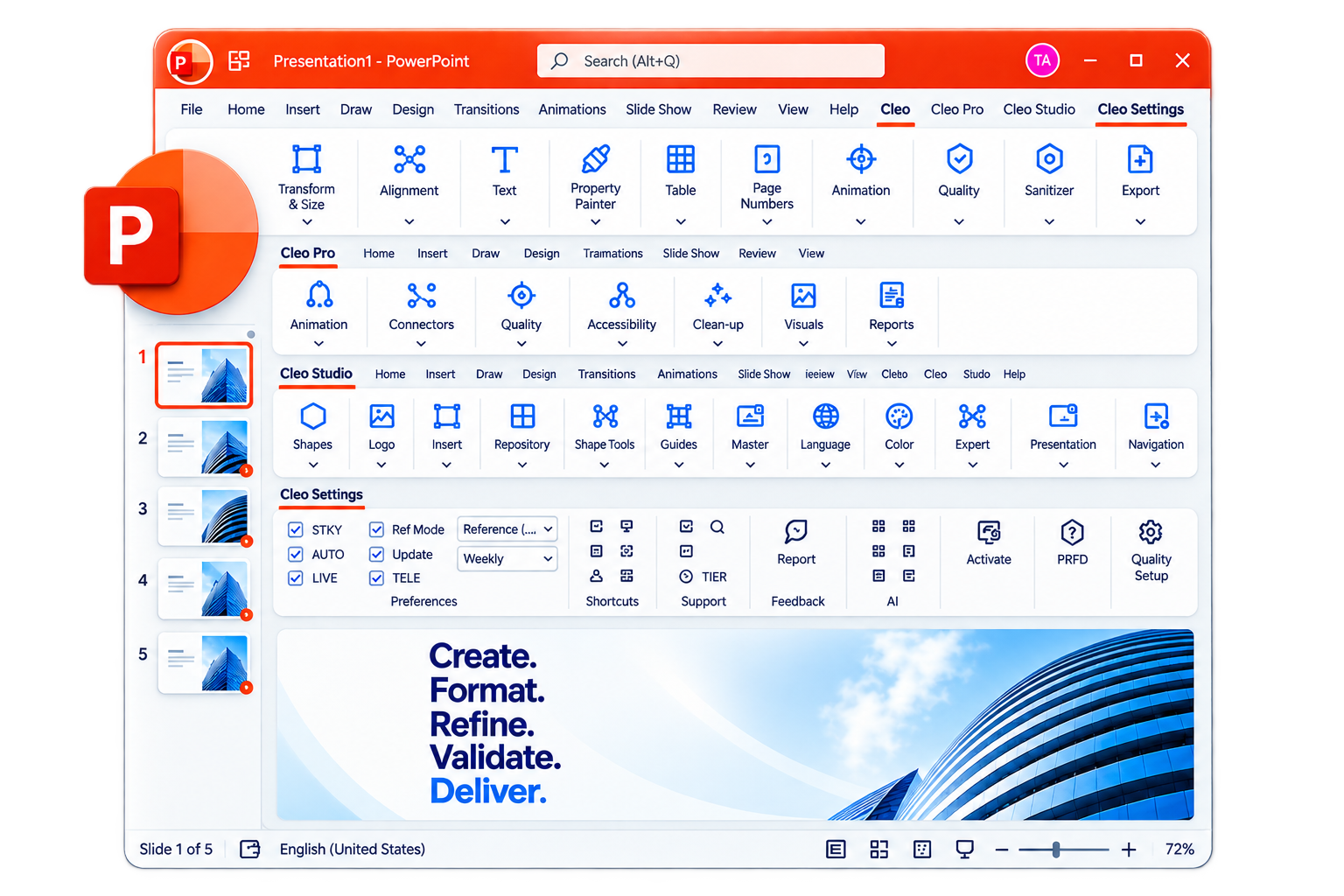
THE POWERPOINT PRODUCTIVITY SUITE
Every object,
exactly where
it belongs.
A professional PowerPoint productivity system built around three principles:
Non-destructive by default.
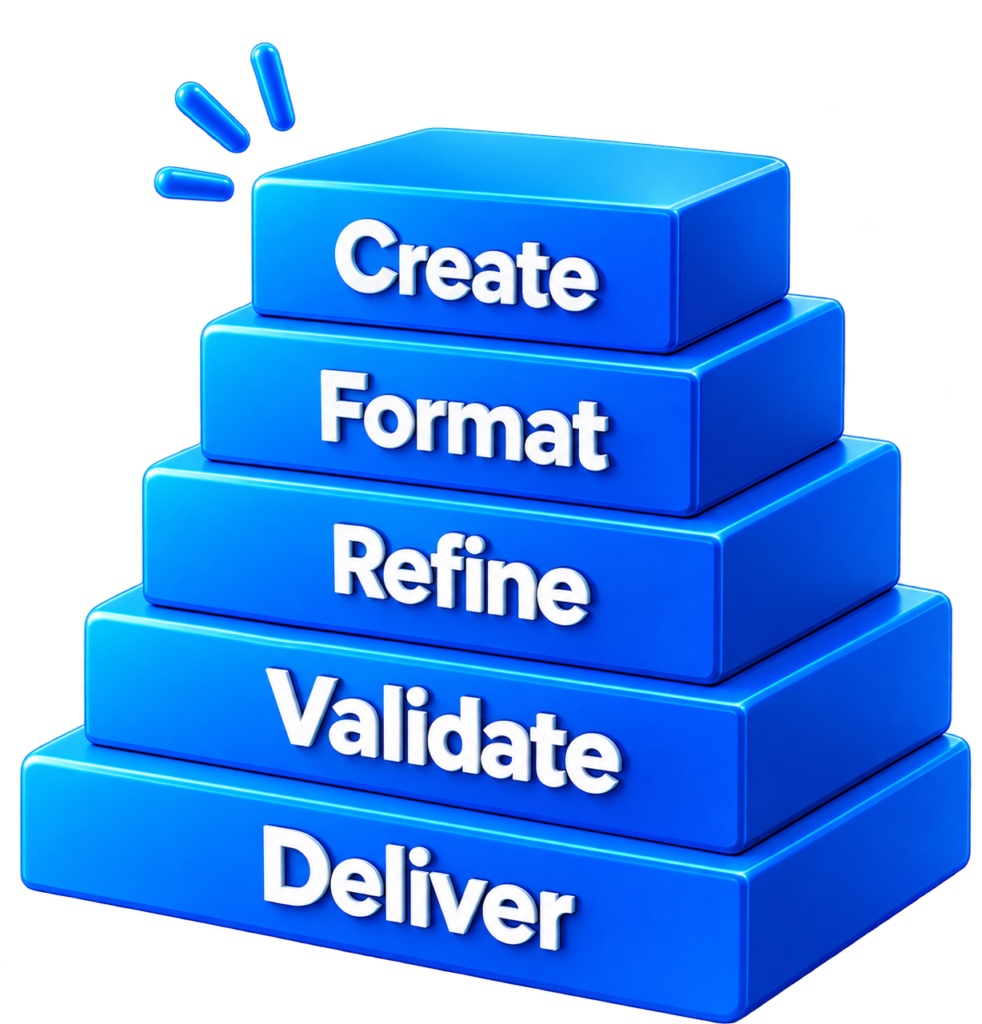
Create. Format. Refine. Validate. Deliver.
CLEO Suite: software that gets out of your way.
CLEO is a professional PowerPoint add-in built to make presentation work more precise, consistent, and controlled.
PowerPoint, with a
better instrument panel.
CLEO extends PowerPoint with more than 200 specialized tools for the work that sits between creating a slide and delivering a finished presentation.
Instead of switching between disconnected utilities, manual workarounds, and repetitive formatting steps, CLEO brings the workflow together inside the ribbon.
One system. One familiar environment.
The smallest commands can remove
the largest interruptions.
A single standardized command can replace an evening of manual resizing and repositioning.
Control dimensions, alignment, spacing, text properties, animation, tables, connectors, and other presentation details without rebuilding work manually.
Check accessibility, contrast, fonts, templates, and presentation consistency before the deck leaves your hands.
Remove metadata and prepare sensitive content for external sharing with deliberate document-sanitization tools.
CLEO is designed around precision, quality assurance, and document control rather than a single isolated presentation task.
A system, not a shelf
of features.
Most productivity tools solve one problem. CLEO was designed as a connected system.
The tools are organized around the way presentation work actually happens, so the workflow feels coherent rather than assembled from unrelated utilities.
Exact by design.
CLEO follows three principles across the suite.
Measurements and operations are calculated rather than visually approximated.
Non-destructive by default
Your original work remains protected wherever the workflow allows it, with consequential operations clearly identified.
CLEO works alongside PowerPoint’s native conventions rather than forcing you into an unfamiliar environment.
These principles are explicitly defined in the CLEO design philosophy.
A FEW THINGS CLEO HANDLES
Bring objects into exact alignment, distribute them consistently, standardize dimensions, and work with groups and references.
Control text positioning, spacing, sizing, case conversion, replacement, merging, splitting, and redaction.
Apply animation presets, sequence objects, create staggered reveals, and work with motion paths.
Check presentation accessibility, contrast, fonts, and template compliance.
Remove metadata and address sensitive information before a presentation is shared externally.
Build reusable collections of shapes, text snippets, logos, and complete slides.
DESIGNED FOR THE WORK BEHIND THE PRESENTATION
CLEO is particularly suited to teams where presentation quality is part of the job:
Marketing and communications teams
Presentation-heavy
corporate teams
Enterprise environments with centralized administration requirements
Your next deck should begin with the work that matters.
Let CLEO handle the precision work inside PowerPoint.