VIDEO TUTORIALS
Watch the system.
Then make it yours.
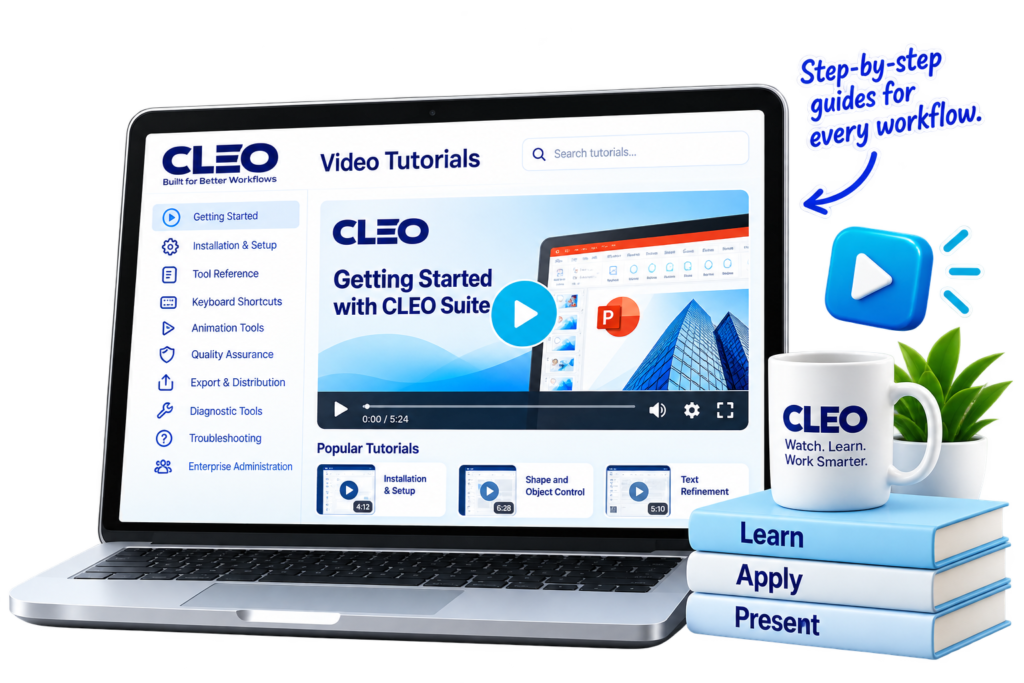
The CLEO video tutorials are designed to guide users from installation through advanced workflows.
Enterprise administration
Explore video tutorials covering CLEO installation, alignment, text, animation, export, tables, connectors, quality assurance, sanitization, administration, settings, shortcuts, troubleshooting, and the glossary.
THE JOURNAL
The work behind the work.
Presentation productivity is rarely about one dramatic problem.
It is hundreds of small decisions.
The Journal explores those decisions.
Suggested topics
The Cost of a Misaligned Deck
Why small inconsistencies become visible signals of unfinished work.
What 200+ Tools Actually Save
A look at the repetitive operations that accumulate across a presentation-heavy week.
What Users Forget Before a Deck Leaves
The details that can remain inside a presentation after the visible slide looks finished.
Precision as a Workflow
Why consistent commands matter more than isolated shortcuts.
GUIDED TUTORIALS
Learn CLEO by doing the work.
Short, practical guides for common workflows.
Understand the tool structure
Check presentation quality
Review administration and audit workflows
SUPPORT
Help when you need it. Documentation when you don’t.
CLEO support is designed to give users a clear path from problem to resolution.
Support options
Documentation
Find the answer yourself.
Guided Tutorials
Follow a practical workflow.
Support
Contact the team when the issue needs assistance.
Diagnostics
Use system and connection checks to identify common configuration issues.